CNSD Reborn controls
The official binds, the four-hit string, and why shiftlock matters.
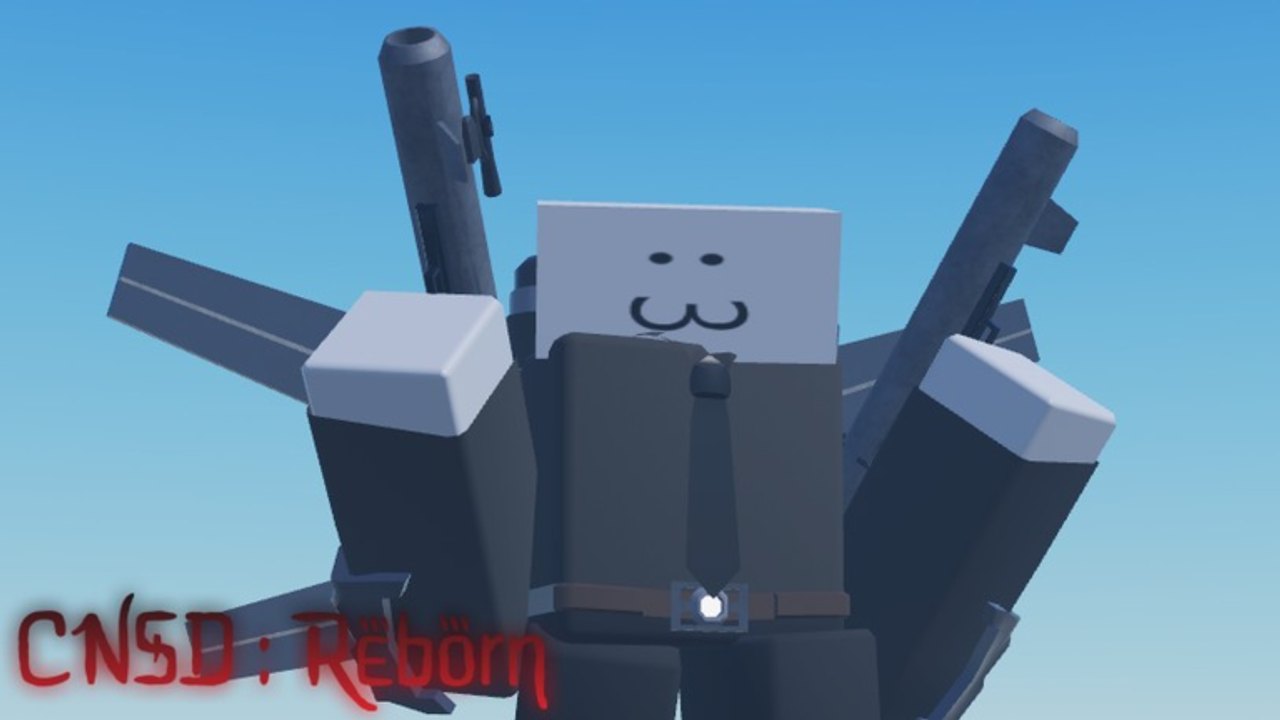
The Roblox description for CNSD : Reborn is basically a keycard. sebe put the combat binds in the header because the game plays like a battlegrounds fighter, not a click-to-place tower defense. If you skip this page you will sprint into a grab with shiftlock off and then type “lag” in chat. These are the live binds from the experience page, plus how they feel in a 15-player wave.
Official keyboard binds
| Input | Action |
|---|---|
| Left mouse button | Melee (M1 string) |
| F | Block |
| G or hold player icon | Awaken |
| Left Shift | Sprint |
| Ctrl or Alt | Shiftlock |
That is the whole official list. There is no published ultimate key, no dash-on-Q, and no separate reload. If a YouTuber shows extra binds, they are either from the discontinued original or from a private test build. Trust the table until the updates hub says otherwise.
Melee string and ragdolls
Sneak peeks showed a four-hit M1 chain plus ragdoll physics. Hit one, two, three, four, then stop. Mashing past the end of the string leaves you in recovery while a noob winds up. The fourth hit is the launcher-ish moment in current footage — use it to create space, not to greed a fifth click that does not exist. Destruction physics are part of the fantasy (the first original-Reborn devlogs were literally about breaking parts), but scenery debris is not a stun. Do not stand in a collapsing prop thinking it is cover.
Block on F is your actual cover. Hold it for grabs and overheads; tap it if the animation is a light. Shield-stacking the entire wave will lose, because stamina or chip will exist even if the playtest UI does not label it yet. Treat block as a timing tool. Pair it with the combo sheet when you start linking M1s into Awaken.
Awaken, sprint, shiftlock
G fires Awaken. Holding the player icon is the mobile/controller equivalent listed by sebe. The burst is a Jujutsu Shenanigans-style committed animation: you are invulnerable or highly armored during part of it and completely stuck if you miss. Do not Awaken at a single stray noob on Wave 2. Full write-up: how to Awaken.
Sprint is Left Shift. Use it to rotate lanes, not to face-tank. Sprinting into a crowd is how Dummy mains donate ragdoll clips to the server.
Shiftlock on Ctrl or Alt keeps punches camera-relative. Without it, your M1s drift toward world space and you will whiff on strafing noobs. Toggle it in the lobby before the first wave so you are not fumbling Ctrl while a Heavy is already swinging. If both Ctrl and Alt work, pick one and never the other; accidental crouch-or-menu binds on some keyboards will open Roblox overlays.
Mobile and console
The experience is an Action battlegrounds title. On mobile you get on-screen buttons for melee, block, Awaken, and sprint. The player-icon hold is there because a tiny G key is easy to miss. Put your thumb so block and melee are not the same hitbox. Console players should map shiftlock to a stick click if the default Ctrl/Alt equivalent feels awful; Roblox’s touch-mapper varies by device, so we will not pretend there is one perfect DualSense layout until sebe publishes it.
Camera jitter after ragdoll is normal. Wait for the stand-up animation before you sprint. If the camera clips into a dummy titan model, toggle shiftlock off and on. That resets most third-person offsets without a rejoin.
Practice routine (five minutes)
- Lobby: toggle shiftlock, look left, look right, confirm the camera follows.
- Wave 1: only M1s. Count to four out loud.
- Wave 2: introduce F block on the first heavy swing you see.
- Wave 3: sprint between two packs, never through them.
- Wave 4: Awaken once into a cluster, then stop using it until a miniboss.
After that, go play for real. The beginner guide covers shop order. The skill tree covers what to buy with levels. If your deaths are still “I got grabbed while punching air,” the problem is this page, not your dummy rarity.
Frequently Asked Questions
Quick answers players ask during the playtest.
Can I rebind keys inside CNSD Reborn?
The playtest description does not advertise a custom mapper. Use Roblox's device settings for mobile; keyboard players should learn the official five binds.
Why do both Ctrl and Alt toggle shiftlock?
sebe listed both so laptop layouts without a dedicated Ctrl cluster still work. Pick one to avoid menu conflicts.
Is there a dedicated dash or parry key?
Not on the official card. Block is F. Movement tech beyond sprint has not been documented as a separate bind.
Do titans change the control scheme?
Expect the same melee/block/Awaken skeleton with bigger hurtboxes. Check the titan roster when a morph adds unique extras.