How to redeem CNSD Reborn codes
Find the box, paste exactly, and know why a string errors.
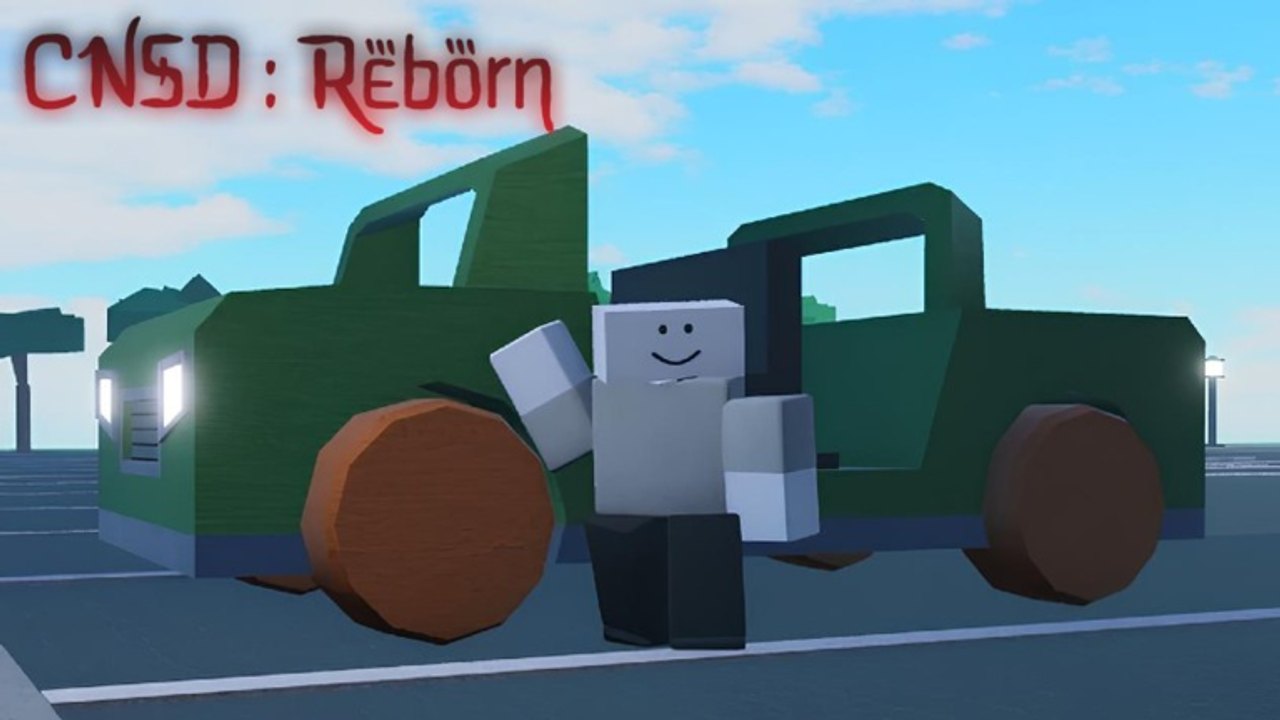
Redeeming a Roblox code is simple once the UI exists, and painful when a playtest build hides it. CNSD Reborn is still in public playtest, so the Codes button may move between patches. This page is the lookup you want open on a second monitor: where to tap, how to paste, and what each error actually means. Pair it with the live table on the codes hub so you never type a retired string.
Step-by-step
- Launch CNSD : Reborn from the official Roblox place and wait until your dummy finishes spawning. Codes usually refuse to apply during the loading curtain.
- Look for a gift icon, a gear/Settings button, or a lobby billboard labeled Codes. On some Jujutsu-style HUDs the box lives under a Menu key rather than a visible button.
- Click the text field once. Do not tap Chat by mistake; chat will swallow the string and broadcast it to the 15-player server.
- Paste the code exactly as listed. Roblox codes are often mixed case (
PlayTestis notPLAYTEST). - Confirm with Redeem, Enter, or the green arrow. Wait one second before you mash again — double submits can lock the remote.
- Check inventory, coin counter, or a toast popup. If nothing changes, the string is expired, mistyped, or not wired in this build.
If the playtest has no Codes UI yet, you are not missing a secret keybind. sebe has not shipped redemption. Keep this page bookmarked and spend the session on waves instead. The beginner guide is a better use of that time than restarting for a missing button.
Mobile, console, and shiftlock conflicts
On phone, the on-screen keyboard can cover the Redeem button. Rotate to landscape or hide the keyboard after pasting. On console, open the on-screen keyboard from the text field; do not try to map a physical keyboard unless Roblox already supports it for that device. Shiftlock (Ctrl or Alt) can steal clicks in the lobby. Toggle it off before you hunt UI buttons, then turn it back on for the next wave. The controls guide lists those binds so you are not fighting the camera while you paste.
Common errors
Invalid / Unknown code. The string is wrong, has a trailing space, or belongs to the discontinued Combat Noobs Siege Defense place. Clean the paste and compare it to the codes hub.
Already redeemed. You already claimed it on this account. Alts will not help if the code is account-bound, which most Roblox gifts are.
Expired. Milestone codes die fast. We move them to expired codes after several independent failures.
You must like / favorite / join the group. Some Roblox games gate codes behind the group join. sebe’s realm is the publisher group. Joining it is free. Favoriting the experience is also a good idea so Update #1 appears in your continue list.
Nothing happens. The remote dropped, or the build has no listener. Rejoin once. If it still fails, the code is not live. Do not run a script to brute-force the box; that is how accounts get flagged. Read script safety if someone in chat is yelling to inject a redeem hub.
What to do with the rewards
Coins should go toward a dummy that actually scales, not a cosmetic you will replace after two waves. Check the starter tier list before you impulse-buy Laser Cannon Dummy because the shop portrait looks loud. Boosts are best popped at the start of a serious Wave 25 attempt, not in an empty lobby. Unit unlocks should be tested in a short siege before you commit a skill-tree layout; the skill tree guide explains why respecs may be limited during playtest.
If a code grants a titan-adjacent morph, read the titan roster and titan tier list so you know whether you just skipped ten hours of grinding or received a shiny sidegrade.
After you redeem
Stay in the server long enough for the grant to replicate. Leaving instantly can desync a coin update on a busy 15-player instance. Then go fight. Codes are a shortcut, not a replacement for block timing and Awaken windows. When Update #1 ships, redemption steps may change; we will patch this page the same day the updates hub logs the notes.
Frequently Asked Questions
Quick answers players ask during the playtest.
I cannot find a Codes button. Is the page wrong?
The playtest may not have shipped a redeem UI yet. If the official description still lists only combat binds, wait for a patch rather than hunting a hidden NPC.
Are codes case-sensitive?
Treat them as case-sensitive. Paste from the codes hub instead of retyping from memory.
Can I redeem on an alt?
Most Roblox codes are per-account. Alts work only if the string is still active and not device-locked.
A player in chat sent a Google Doc of codes. Safe?
Only if the strings match this wiki or an official shout. Never log into Roblox through a document link.